 Roomlike
Your room. Redesigned in your style.
Snap a photo, swipe through redesigns of your actual space, and shop the pieces you love.
Coming soon on theApp StoreYour first redesign is free. No subscription.
How it works
From photo to shopping list in four steps
Snap your room
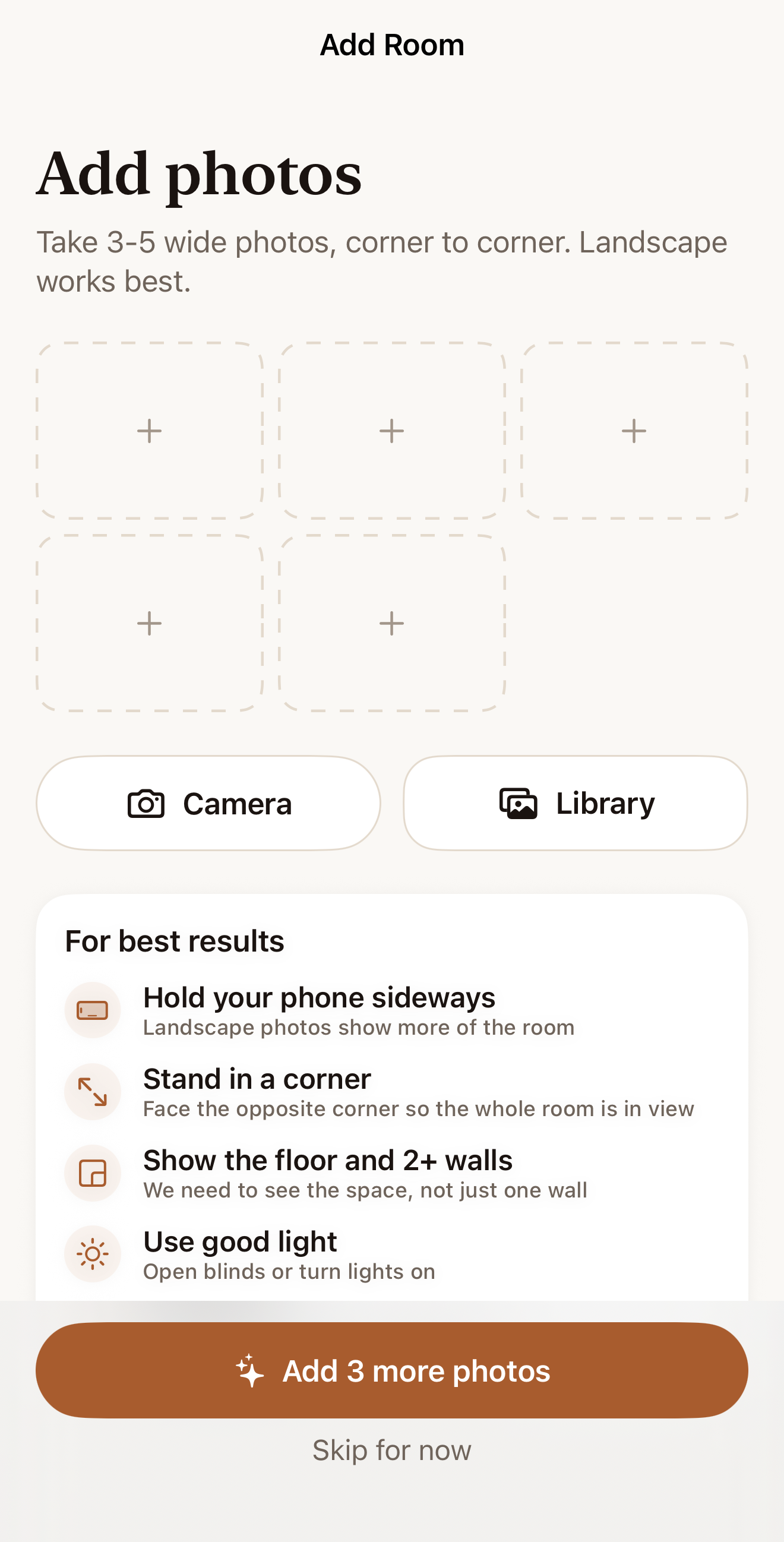
Add a few photos of the room you want to change. Tips in the app help you get a great shot.
Find your style
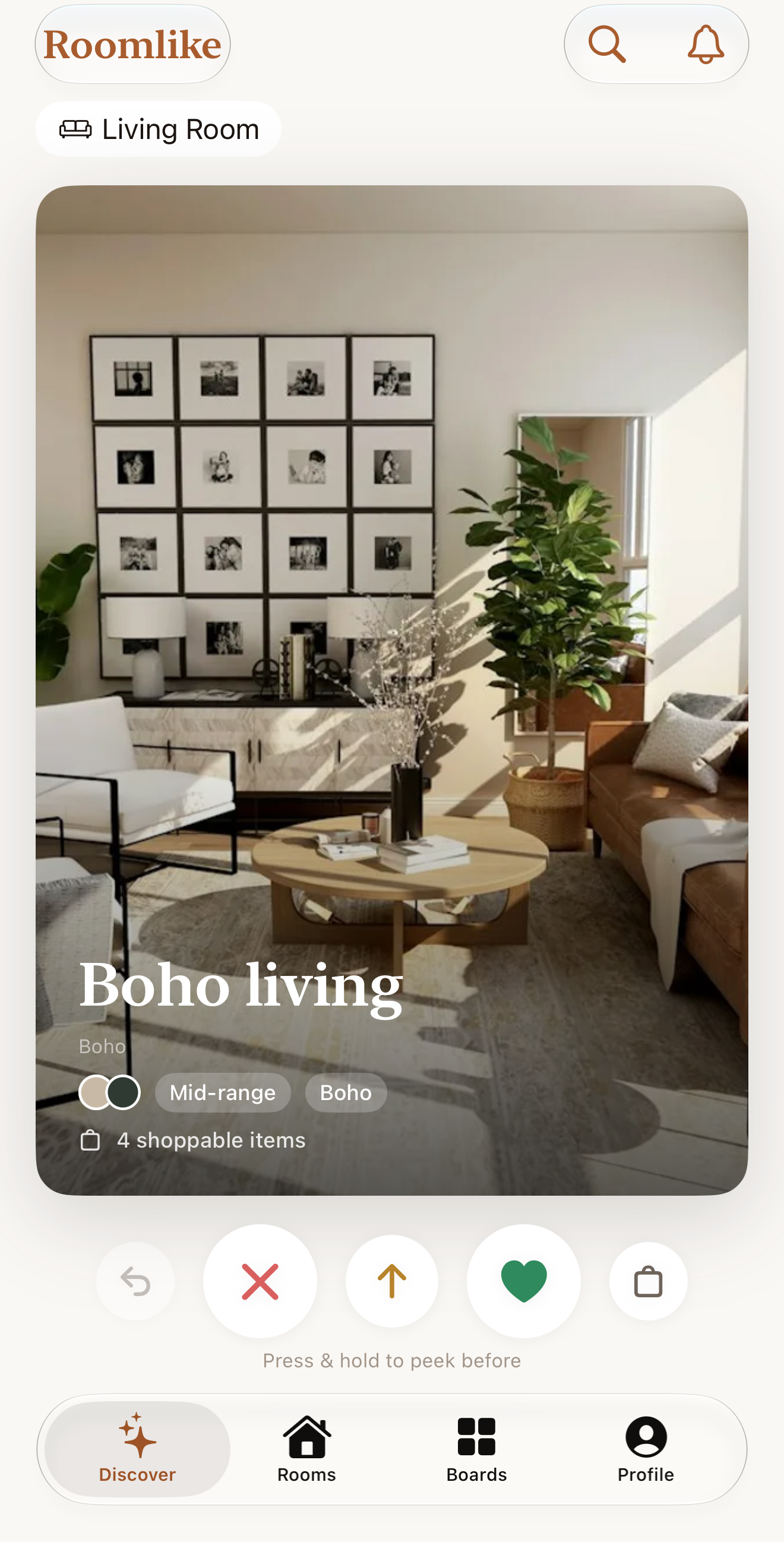
Swipe a few styled rooms you like. That is all it takes for Roomlike to learn your taste.
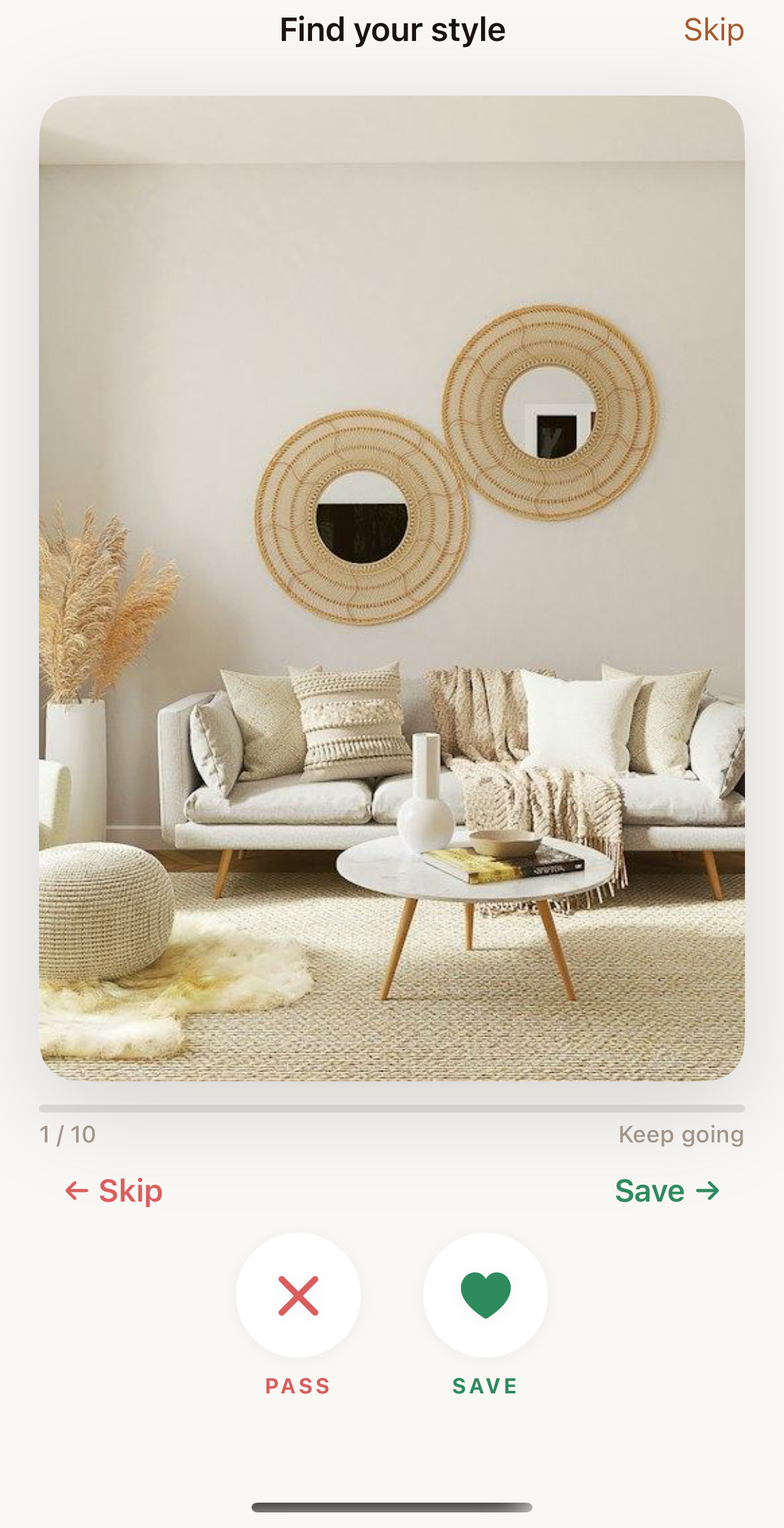
Swipe redesigns of your room
See your own room restyled, one design at a time. Swipe right to save to your Boards, left to pass. Nothing is ever lost: passed designs can be restored.
Shop the look
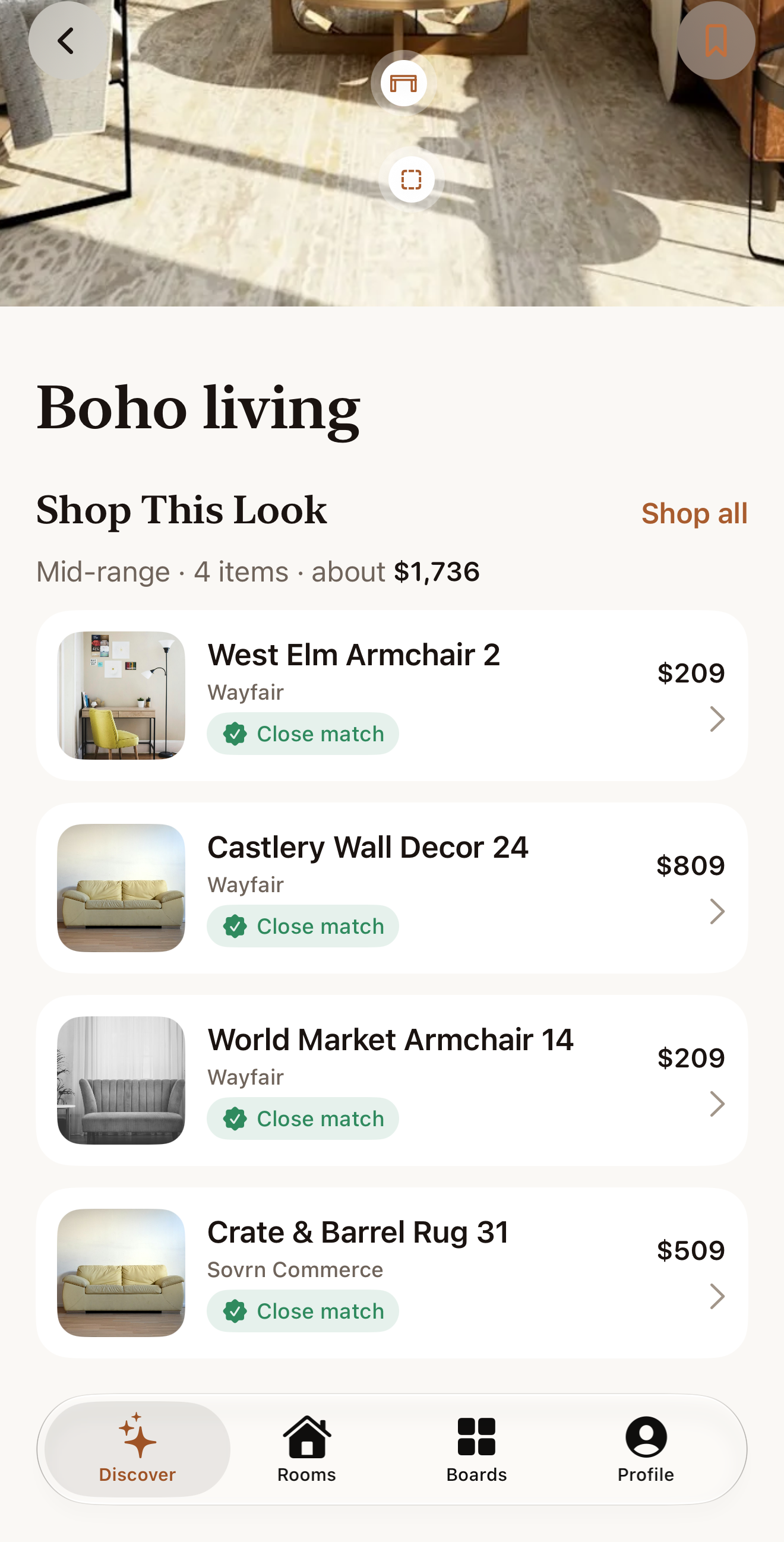
Every design comes with shoppable pieces that match the look, with prices and links to the retailer.
Features
Everything you need to decide
Your Style
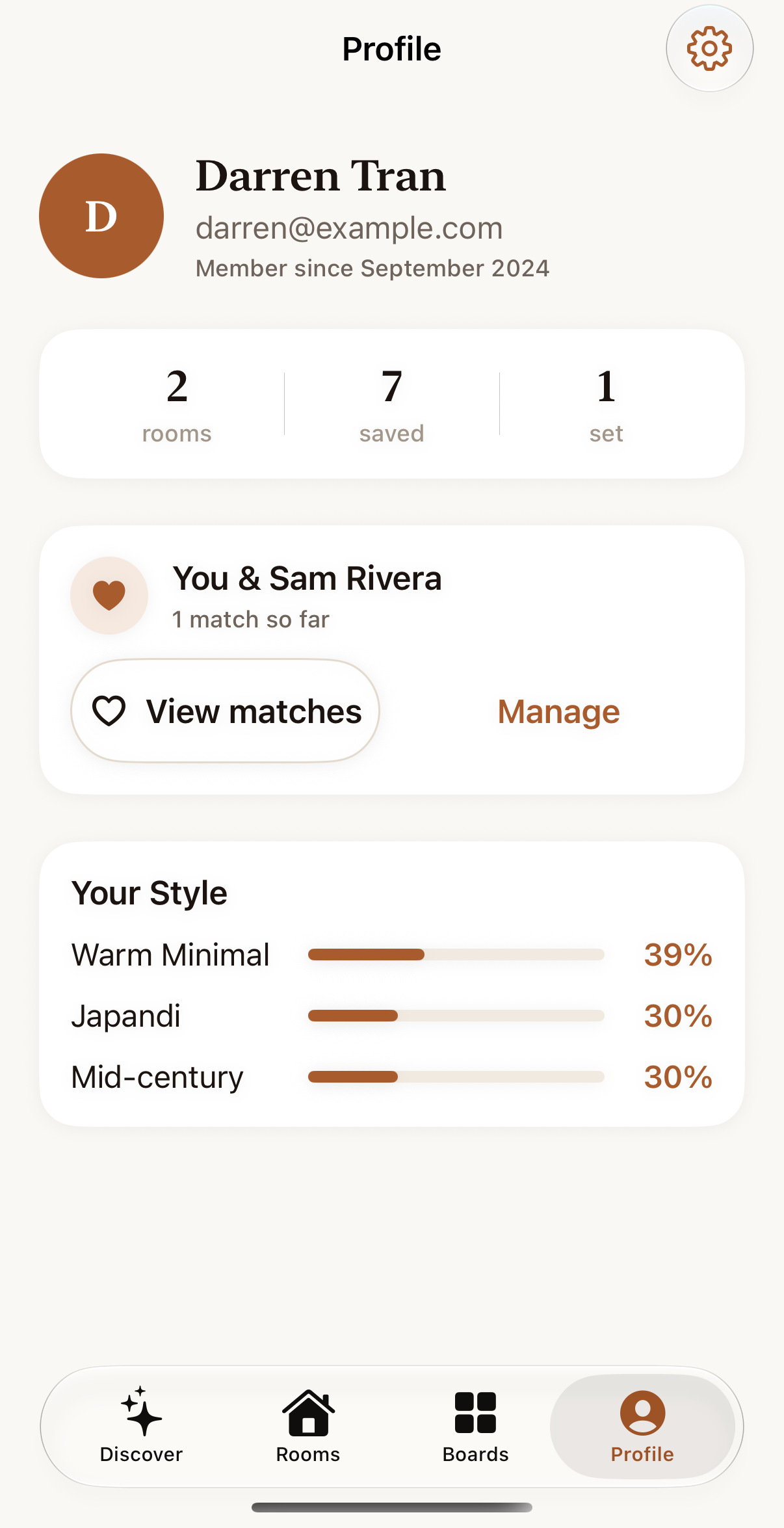
Roomlike builds a picture of the styles you actually like, from the rooms you swipe. Every swipe sharpens it, so your designs get better the more you use it.
Redesigns of your real room
Not generic inspiration. You see the room in your photos restyled, from minimal Japandi to maximalist glam. Press and hold to peek at the before. Designs are concept images, and products shown are similar items.
Boards, with nothing lost
Swipe right to save a design to a Board. Swipe left to pass, and change your mind later: passed designs can always be restored.
Shoppable products
Each design lists the pieces in it, matched to real products from retailers. Tap through to see details and buy.
Decide together with your partner
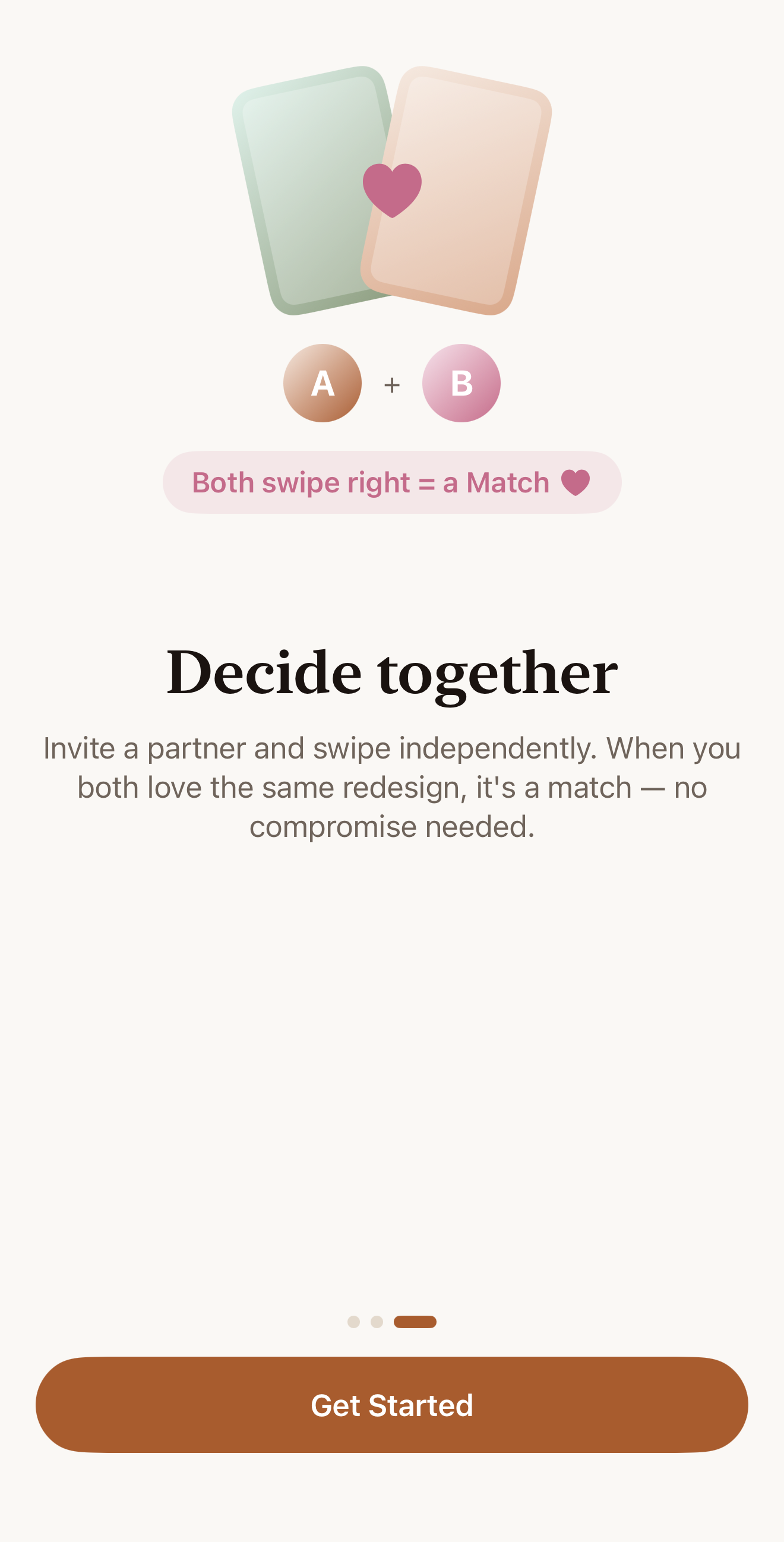
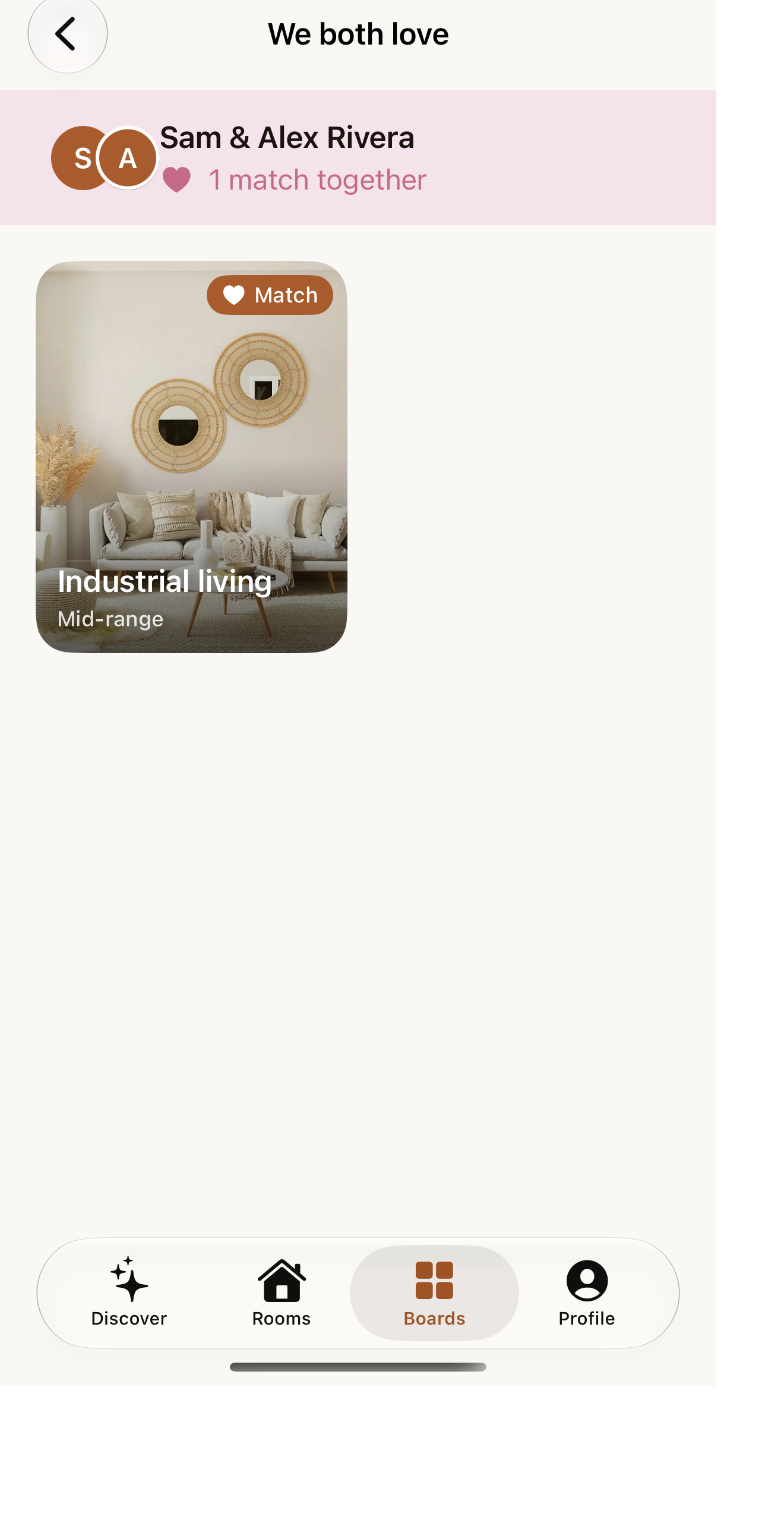
Invite a partner and you each swipe on your own. When you both love the same design, it's a match. Matches collect in a shared "We both love" board.
Pricing
Simple, pay-as-you-go pricing
First redesign
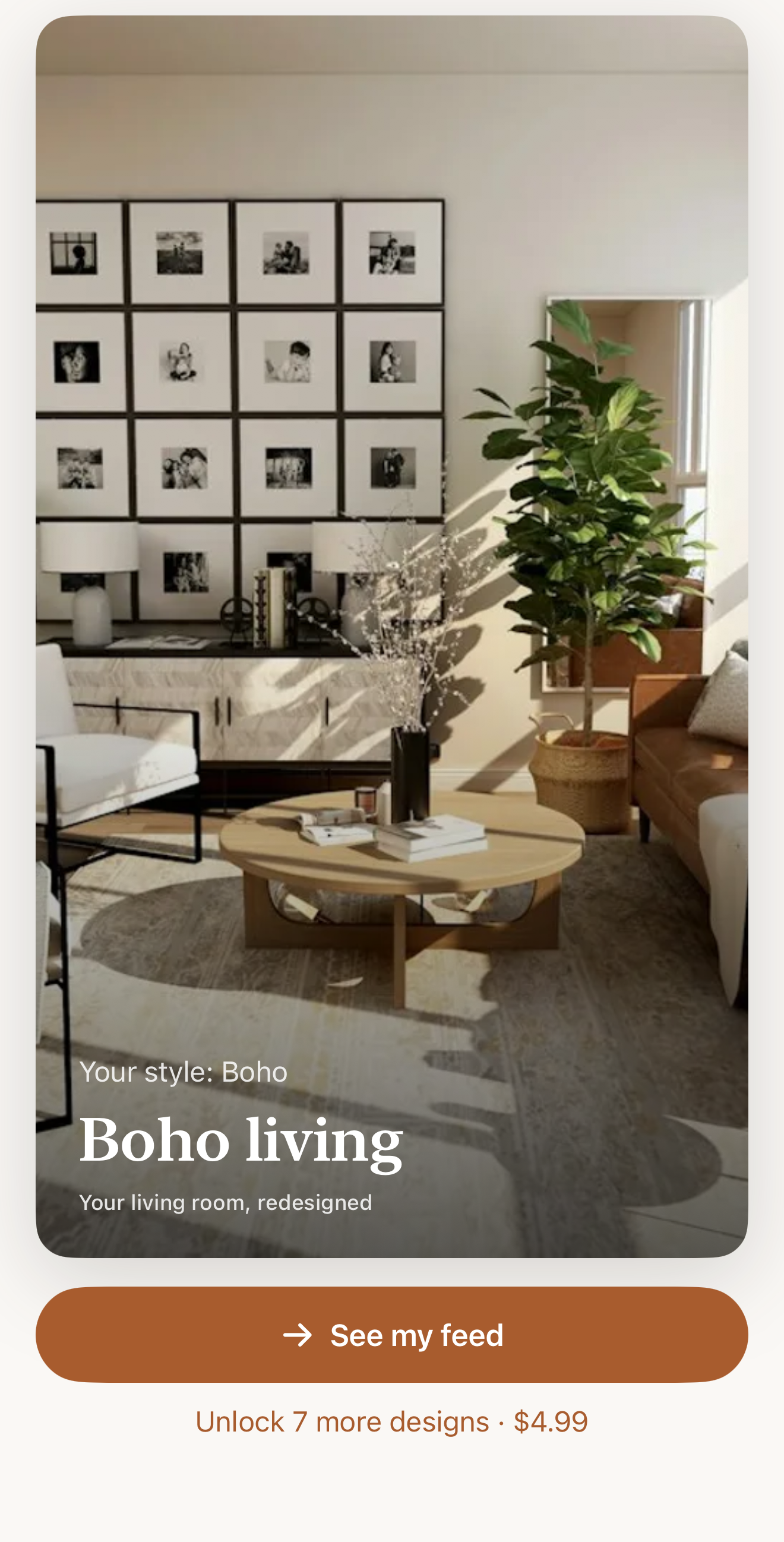
See your own room redesigned once you find your style. One free redesign per account.
First set
Unlocks the rest of your first set of 8 designs for that room.
More sets
Each additional set of 8 designs. A set applies to one room; a new room's first set is $2.99.
No subscription. One-time App Store purchases, nothing renews.
FAQ
Questions
Are my photos used to train models?
No. We never use your photos for model training and we don't sell your data. Photos are only processed to create your redesigns. See the Privacy Policy.
How do I delete my account and data?
In the app, go to Profile, then Settings, then Delete Account. This removes your account, rooms, photos and designs. You can also email support@roomlike.app.
Is there a subscription?
No. Your first redesign is free, then design sets are one-time purchases of $4.99 (first set) or $2.99 (each additional set).
Do I need a partner to use Roomlike?
No. Couple mode is optional. Invite a partner from Profile and you each swipe on your own, then see the designs you both love.
Do you earn money from product links?
Some product links are affiliate links, at no extra cost to you. They don't change what we suggest. See the Affiliate Disclosure.